Gemini CLI Test Application
The Google Gemini CLI, a free and open-source AI agent, was released on June 25, 2025.
I’ve used a few of the editor based ones, such as Cursor, Windsurf and Zencoder. While these are all pretty amazing tools, without paid subscriptions you run into request limits quickly, and get there quickly due to wasted requests due to AI errors and major revisions.
One of the things that I really like is that I seemingly don’t need to pin any context or be overly concerned with which tab I’m on or which mode. We’ll continue on a more practical application and test it further.
Part 1
Chat History
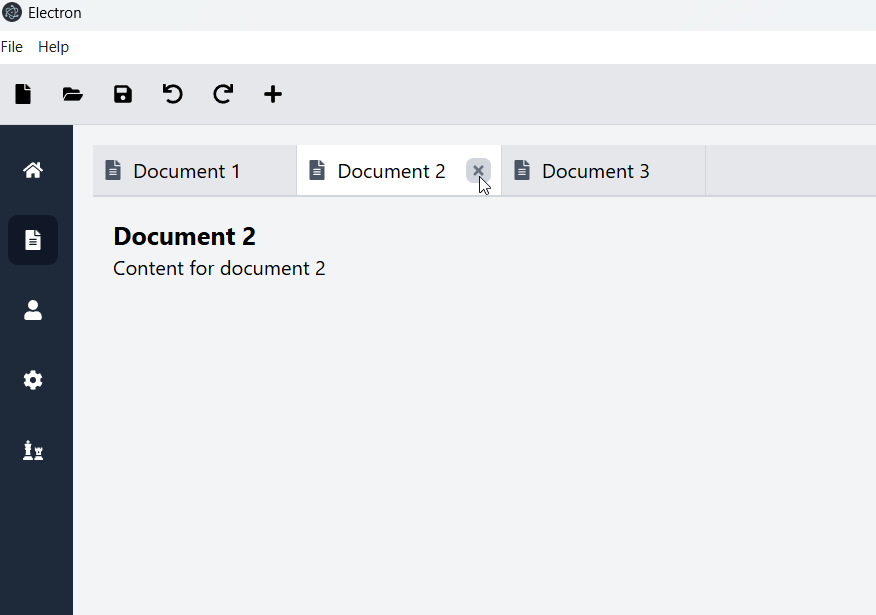
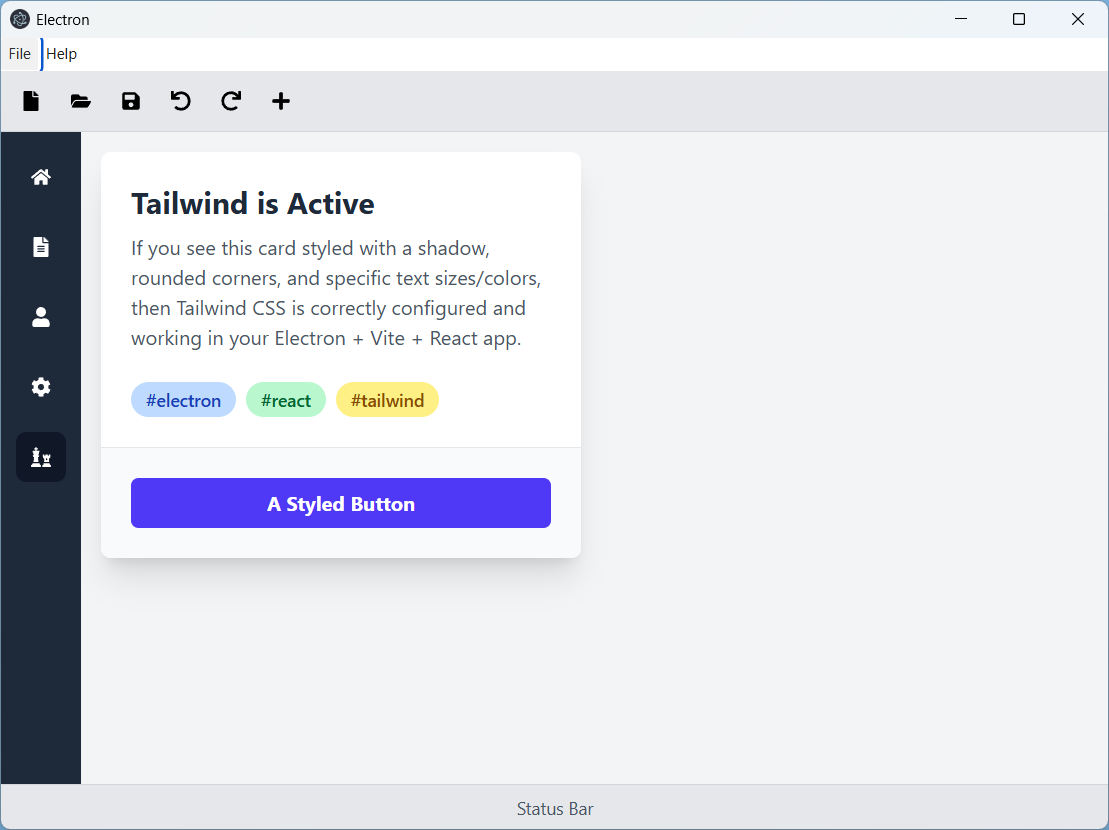
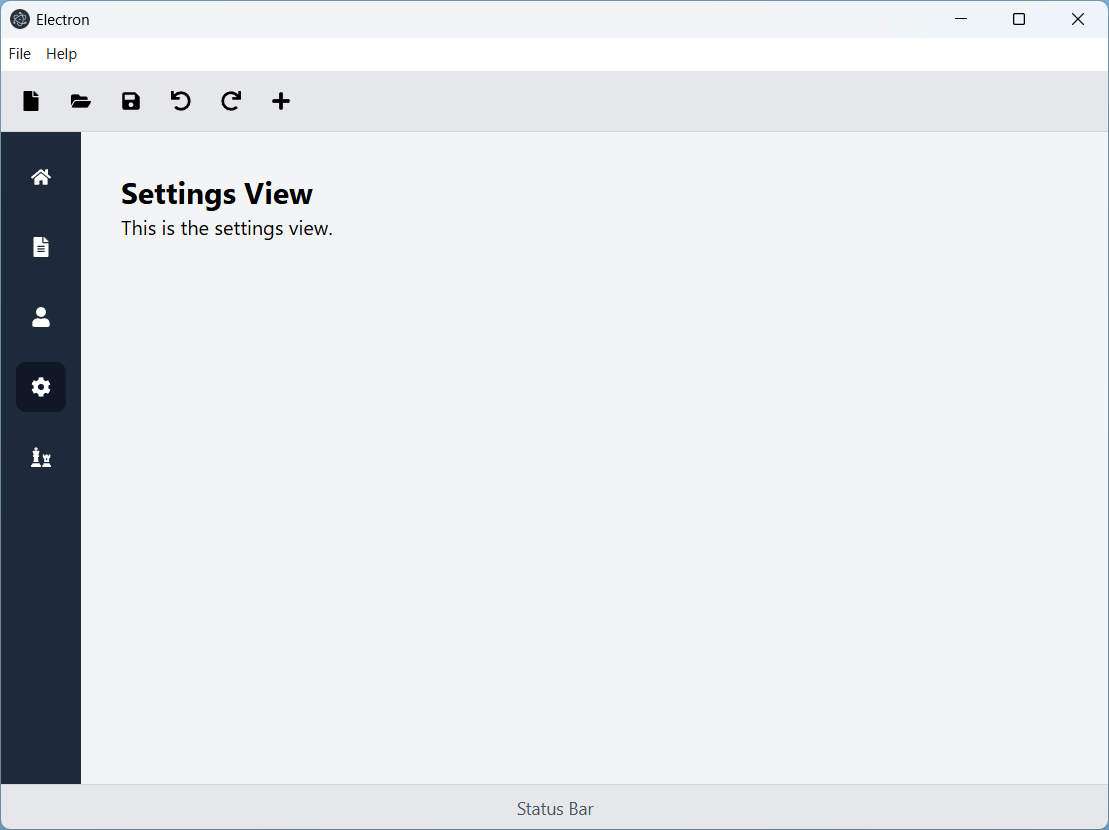
the current application is a react vite template. I attempted to add tailwind css. Review the configuration and replace App.tsx with a tailwind styled example.it is not being styled correctly. Please reviewhttps://tailwindcss.com/docs/installation/using-viteNext, I'd like the electron app to have a standard menubar with File > Exit and Help > About menus, along with a standard status bar.please add a standard toolbar with icons and tooltipsnext, please add a sidebar on the left with icons and mouse over. When an item is selected in the sidebar the corresponding view is shown in the primary pane.add a new view that includes a multi-document view, where there can be numerous tabs where each may be closed. add a demo menu option to add a new demo documentwhen selecting a different side bar option and then back to documents, I don't want the documents to disappear. Also, could it look more like VSCode tabs, where there is an icon, the close button is hidden unless selected or mouse-over the document and the close button is highlighted upon mouseover.next, please revise the home view to be a dashboard sort of view. add a service that runs in the background to simulate monitoring external signals, such as voltage, current, power, frequency, run/stop status, fault status.
There were some troubleshooting steps in between some of the above steps, but it worked well overall and produced a simple, accurate depiction of what I was describing.
Results
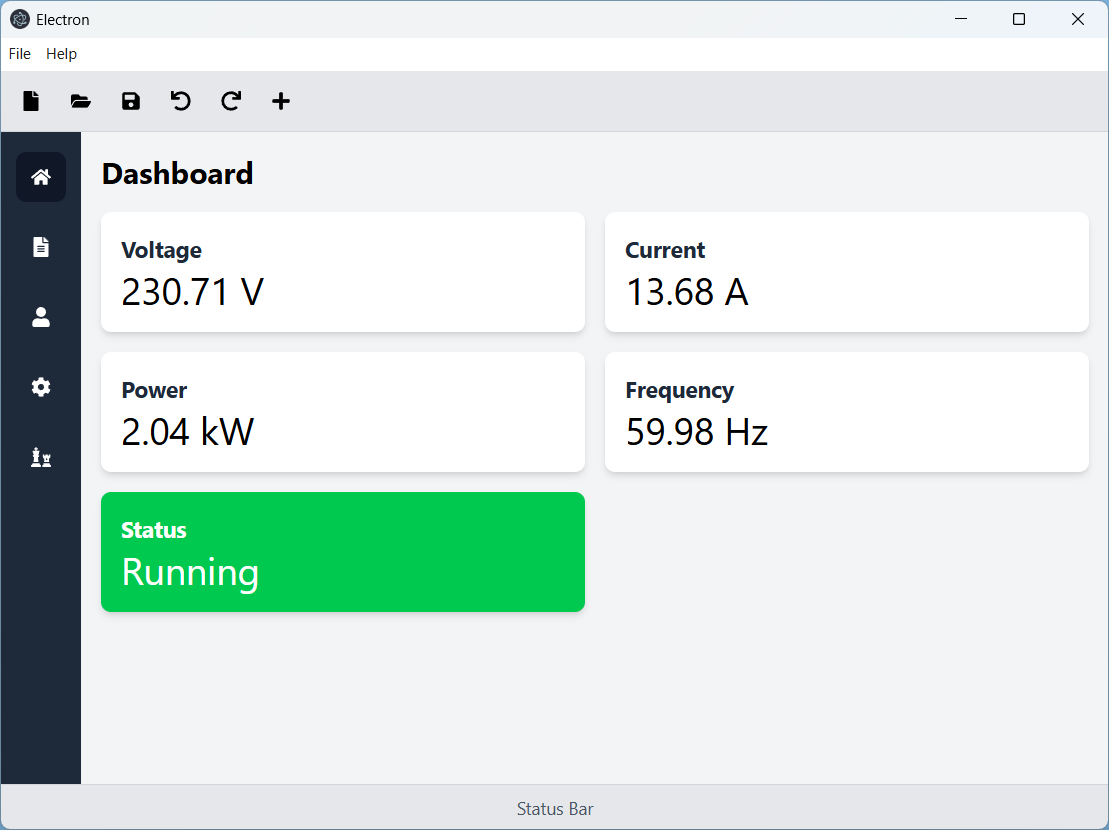
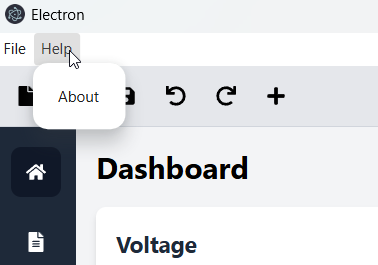
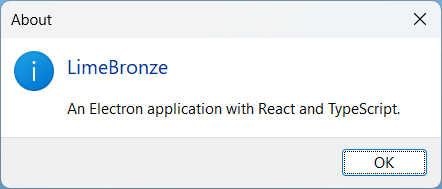
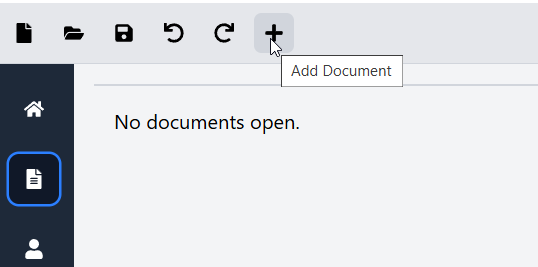
Part 2
For part 2, I wanted to add some additional ui examples, specifically testing out visualization methods and worker threading.
Chat
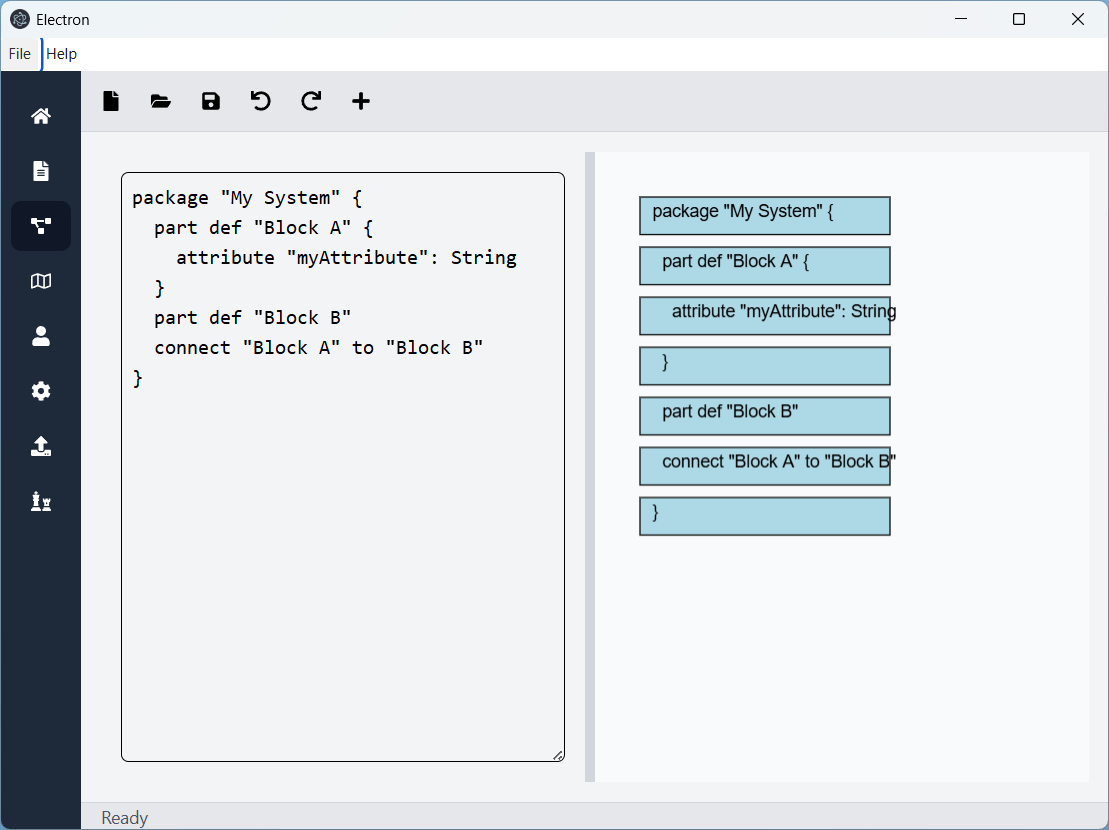
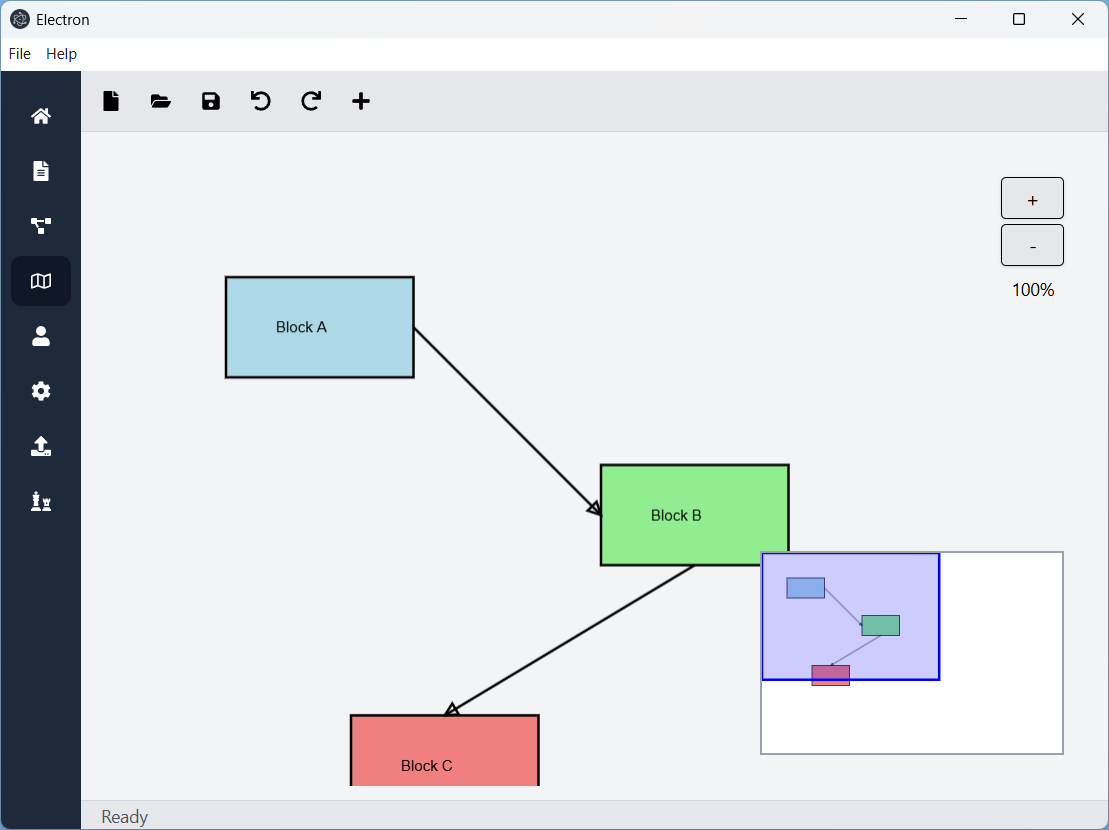
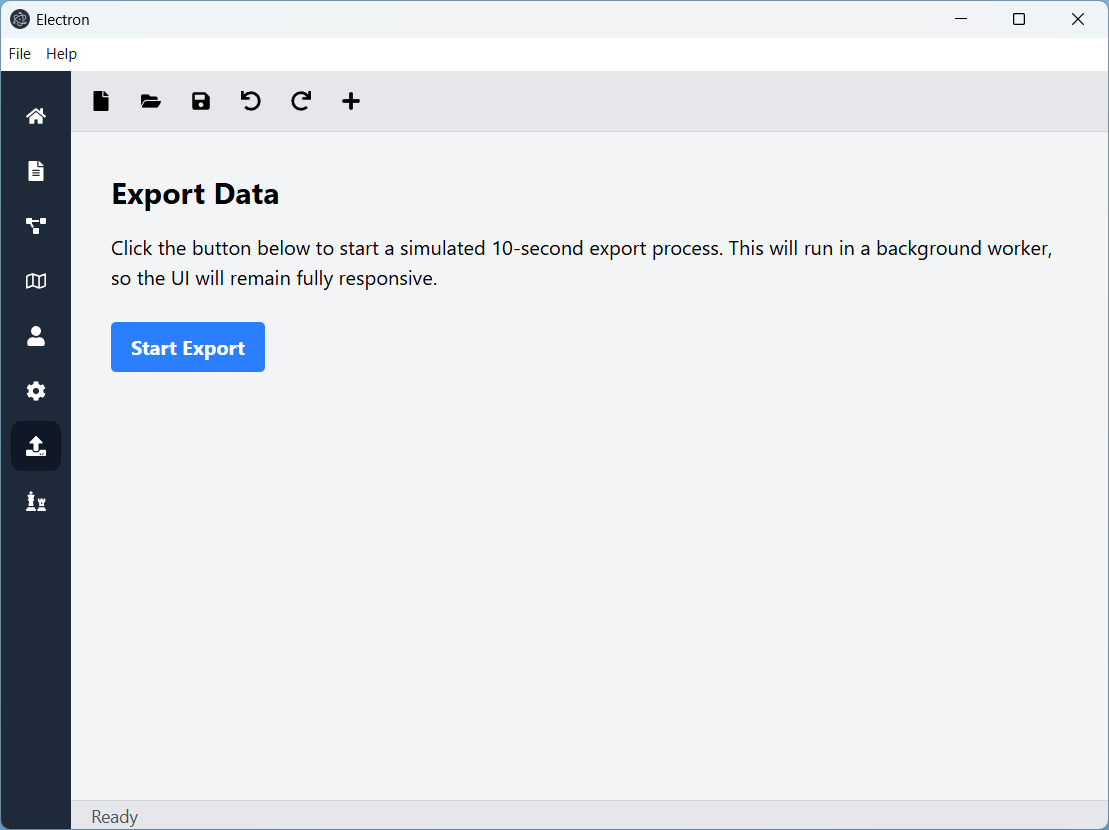
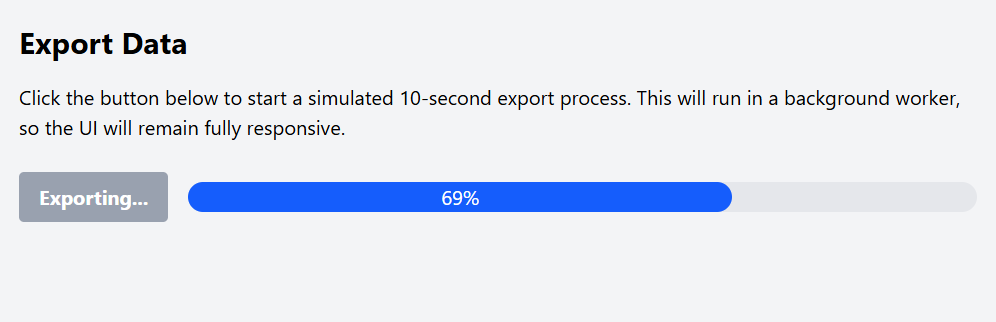
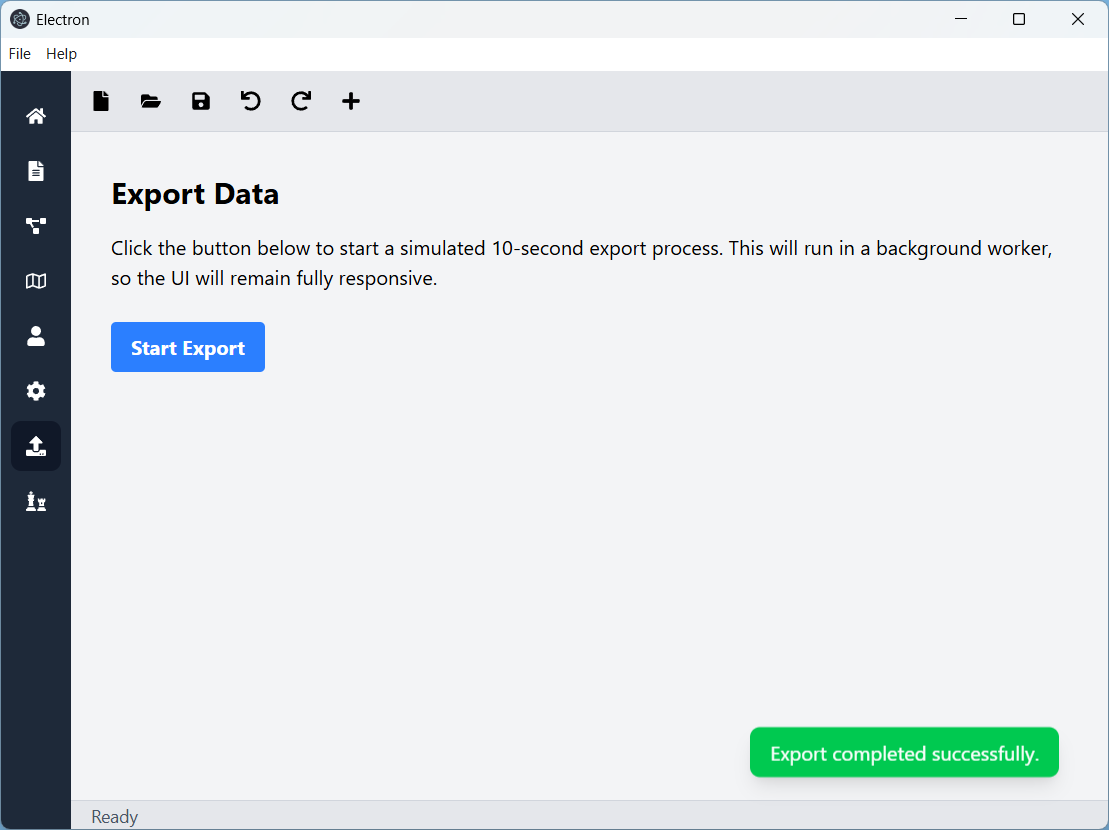
please add an example mvvm view and worker event for a fake export process. The user should be able to choose export and then a progress bar is presented. When completed, a toast should pop up and status bar go away. The fake export process should take 10 seconds and run in a background workerplease add an example mvvm view for a sysml v2 visualization. I want the user to edit the text on the left side and render the view on the right side, similar to plantuml preview plugins for VSCode.I didn't want to render plantuml. I wanted to build a new renderer for sysml v2 language and then visualize it. Is there a recommended canvas or similar component for rendering on the right side?I'd like to go with konva.js.Could you create another view to demonstrate konva canvas further. Reference the @ref/test.pdf for the mini map example from an online example. I'd like to demonstrate pan and zoom for a static block diagram type diagram.
Results
Source
About the author
As a seasoned software engineering professional with over two decades of experience, I specialize in leading and architecting complex software projects.


